Timer and focus mode
Blocks
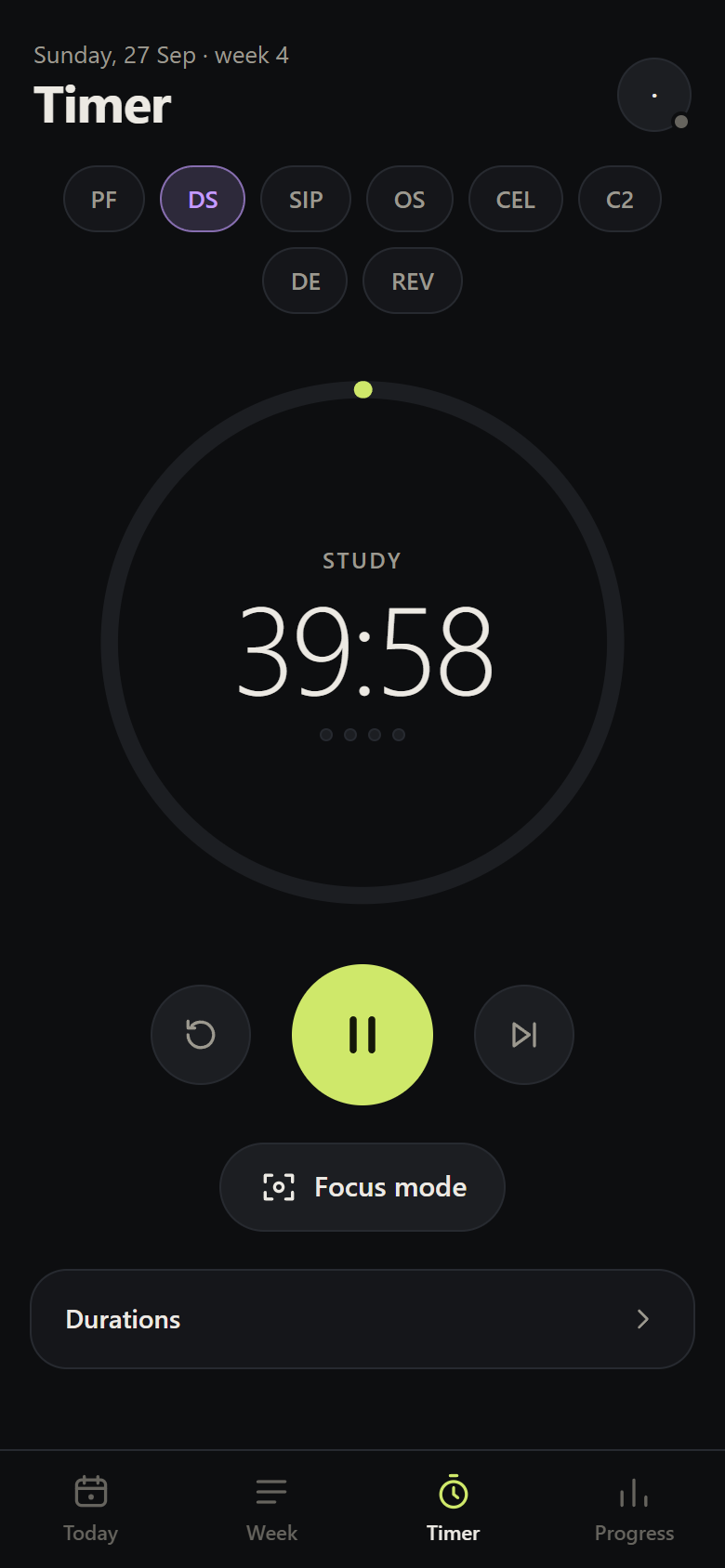
By default, 40 min of study + 10 of break, with a 15-min long break every 4 blocks. You can change the durations in Timer → Durations. The 40 minutes are practical, not a biological rule: adjust between 30 and 60 depending on your focus.
- Breaks start on their own; the next study block waits for you.
- A study block of 5 minutes or more ends with the block log.
- Study minutes are recorded against the chosen subject.
Focus mode
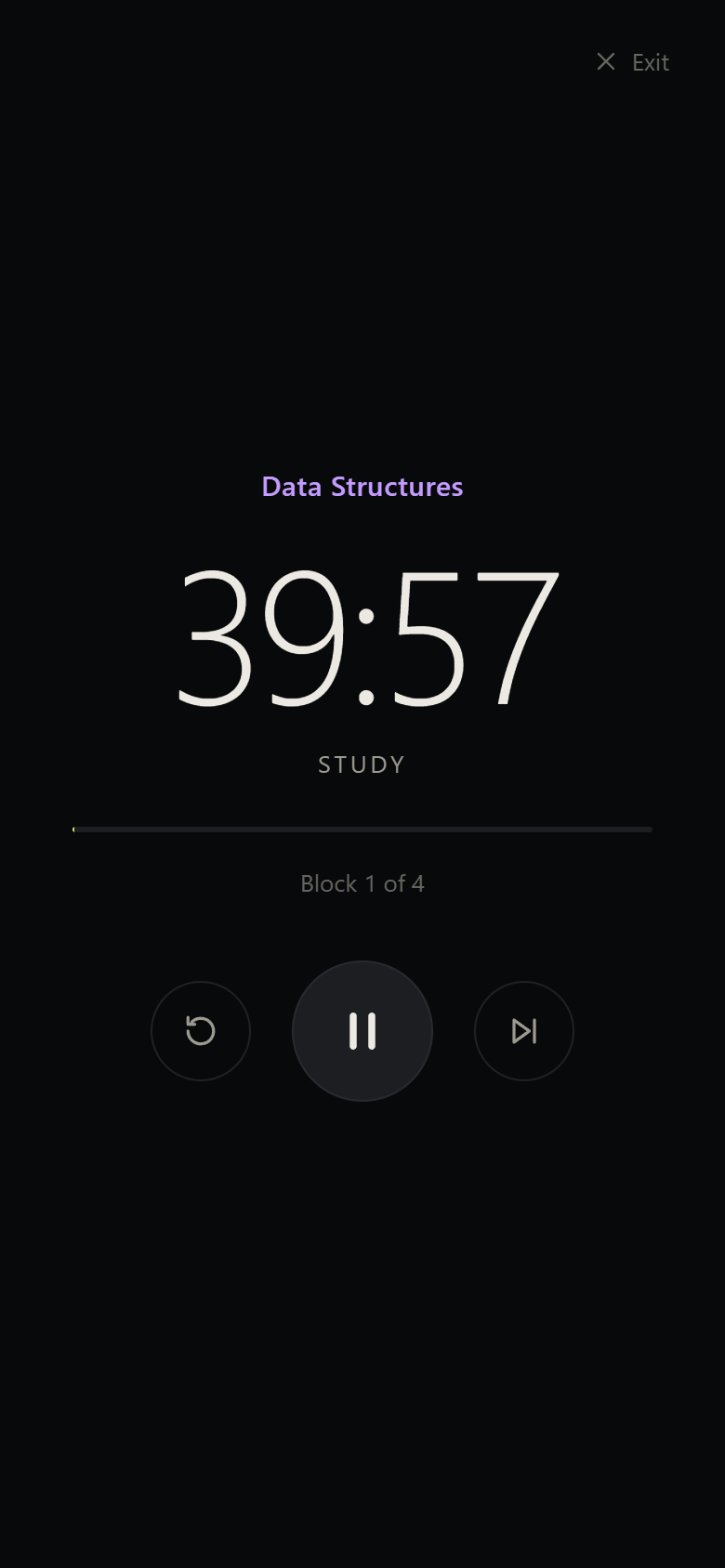
Focus mode (or Start focus on Today) opens a distraction-free screen:
- full screen (Fullscreen API) when the device allows it;
- screen always on (Wake Lock API), restored when you come back to the app;
- space pauses and resumes on a computer; Esc or Exit closes it.
A timer that doesn't lie
Browsers slow down timers when the screen locks or the app goes into the background, and the system may close the PWA midway. So the timer:
- stores the block's end time, not a count of seconds — the time remaining is always calculated from the clock;
- saves its state on every change; when you return to the app, it resumes exactly where it should be;
- if the block ended while the app was closed, it logs it and starts the break.
On the computer and the phone
When you're signed in, the timer is the same on every device: start a block on the computer, open the phone and it's running with the same time, because what travels is the end time, not the count. That time is kept on the server's clock, not each device's: even if the phone and the computer are a second apart, both count down to the same instant. Pausing, resuming, skipping or resetting on one device changes the others in real time; when you come back to the app, it fetches the latest state.
The block is logged only once, on the device where you started it (or last touched the timer). The others play the sound and show a notice, but the time isn't counted twice.
The code is in public/js/timer.js and public/js/timersync.js.